What should a check-in volunteer do when an attendee shows up with a lost badge or a misspelled name?
Lost badges and bad spellings are the two most common desk interruptions at any event. A clear script keeps the line moving and the attendee happy.
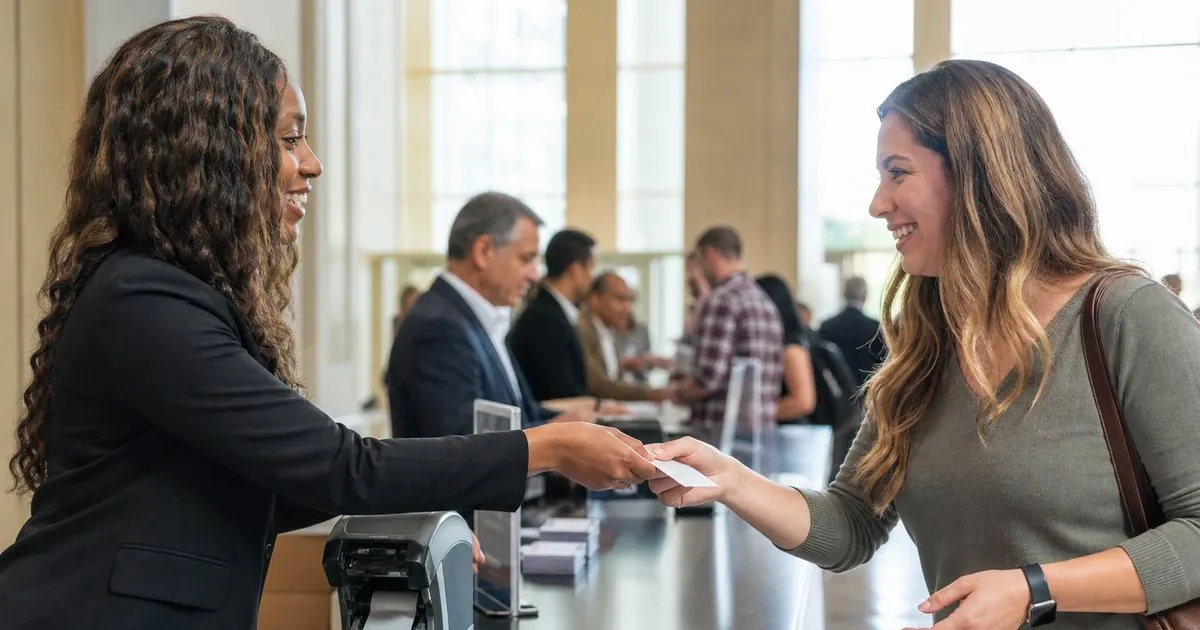
Why these two problems deserve a script, not improvisation
On event morning, the volunteer at the desk is often a student, a staff member borrowed from another department, or a friend of the organizer, and they will meet both problems within the first twenty minutes. Without a script, each one becomes a five-minute conversation while the line behind grows. With a script, a lost badge takes under a minute and a misspelled name takes about the same. The goal is not to prevent the problems, since you cannot, but to make them cheap. Related: How can event organizers speed up the check-in line during the busy first hour of a conference?
Both situations also carry a small trust component. An attendee whose name is wrong feels like the event did not care enough to get it right, even when the typo came from their own registration form. An attendee who lost a badge is usually embarrassed and half-expects to be scolded or charged. The tone of the first sentence sets whether the person walks away annoyed or relieved, so the script should include the tone, not just the steps. Related: How should an event handle walk-up attendees who never registered before arriving at the door?
Keep reading: How can event organizers speed up the check-in line during the busy first hour of a conference?, What are the benefits of printing event badges on site instead of pre printing them all in advance?, How do organizers track session capacity so a popular conference talk does not become overcrowded?. See how BadgeCheckr helps you event attendee badge check-in and scanning.
The lost badge routine
Start with a lookup, not a lecture. Ask for the name or the email used to register, find the record, and confirm one detail that a stranger would not know, such as the company on file or the last four digits of the phone number. Then void the original badge in the check-in system so the old code stops working if someone else picks it up, and reprint. Say out loud what you are doing: that the old badge is now inactive and this one is the only one that scans.
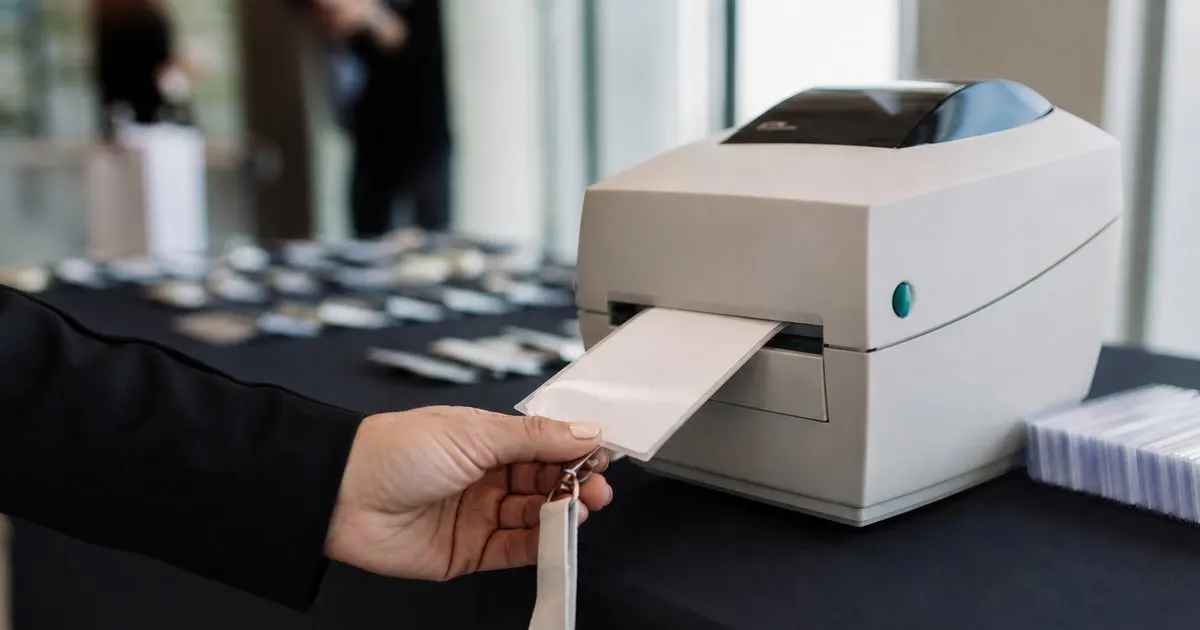
If your event has no on-site printer, the fallback is a handwritten badge plus a manual check-in entry using the registration ID, and a note on the record so any room monitor scanning later understands why the code does not read. Decide in advance whether reprints are free; most events treat the first one as free and make a second reprint a judgment call. Whatever the policy, write it on a card at the desk so every volunteer gives the same answer. Related: What are the benefits of printing event badges on site instead of pre printing them all in advance?
The misspelled name routine
Ask the attendee to spell it and type it into the record while they watch, then reprint immediately. Do not hand them a marker and suggest they fix it themselves, and do not promise to fix it later, since later never comes and the badge will be photographed at a networking reception. Correct the name on the registration record itself, not only on the badge, so the attendee list, certificates, and follow-up emails all carry the right spelling.
Pronouns, credentials, and preferred names fall under the same routine. If someone registered as Robert and introduces themselves as Bob, print Bob. If a physician wants the credential on the badge and the field was empty, add it. The cost of one extra badge is trivial next to the goodwill of getting the person right, and a volunteer who has explicit permission to make these changes will not stall waiting for a manager.
Preventing the next round
A few days before the event, send every registered attendee a message showing exactly how their badge will read and a link to correct it. This one step typically catches a large share of the errors before the printer ever runs. Include the company name and any credential fields, since those are misspelled as often as first names. Keep the correction window open until the badge file is locked, and tell people when that lock happens. Related: How can a large event run multiple check-in stations at once without checking anyone in twice?
For lost badges, the prevention is mostly design. Badges on lanyards get lost less often than badges on clips; badges with the attendee name printed on both sides are less often flipped, set down on a table, and forgotten. Put the reprint station where the line can flow around it rather than at the main scanning position, so one reprint does not stall three scanners. And keep a count of reprints per day; a spike usually means a lanyard or holder problem, not careless attendees.
- Give volunteers a written script for lost badges and misspelled names so each one takes under a minute.
- Void the old badge in the system before reprinting so the lost code cannot be used by anyone else.
- Fix misspellings on the registration record, not just the badge, so certificates and follow-up emails are right too.
- Send a badge preview a few days before the event so attendees correct their own errors before printing.

Julien Jimenez
Julien Jimenez is an independent software builder based in Paris. He designs, ships, and operates focused SaaS products for small businesses and independent professionals. Read the full author page.
A check-in line that moves
Event attendee badge check-in and scanning. BadgeCheckr is built to help you put this into practice.
Set up check-inMore from the BadgeCheckr blog


Get the BadgeCheckr playbook
Practical guides on event check-in, straight to your inbox as we publish them. No spam, unsubscribe any time.