How should an event handle walk-up attendees who never registered before arriving at the door?
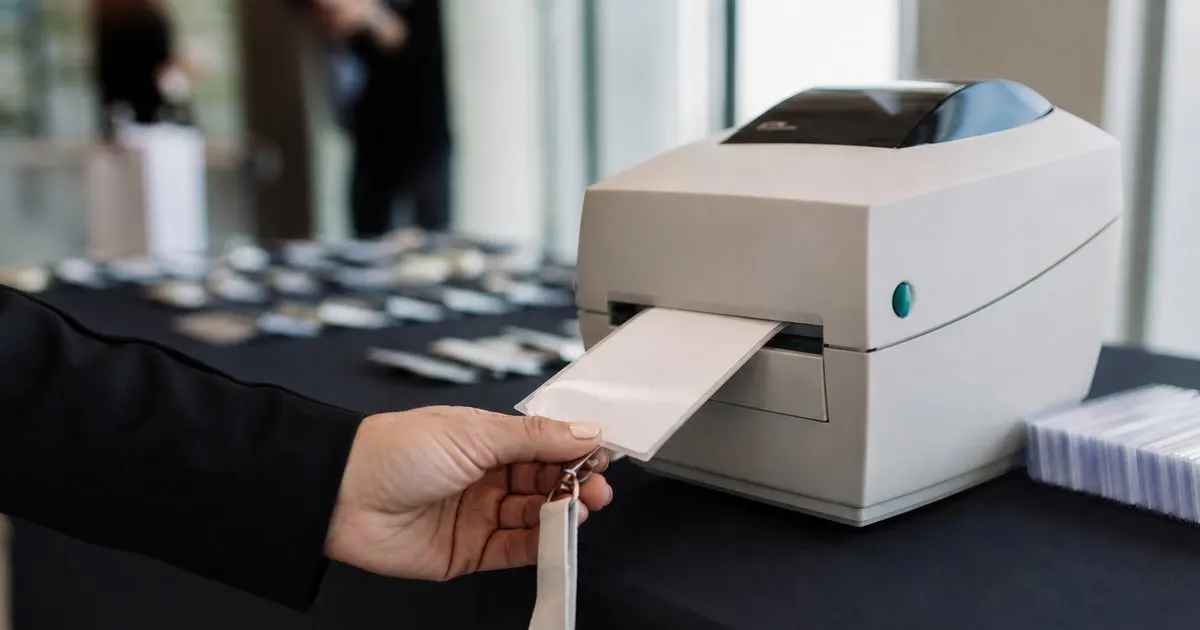
Adding a new attendee and printing their badge on the spot so late arrivals do not jam the line.
Register the walk up on the spot by entering their details quickly at the station, then print their badge immediately so they look no different from a pre registered guest. Handled in moments rather than on a separate paper sheet, the line keeps moving and the new attendee still joins your attendance record.

Walk ups always show up
No matter how registration is promoted, some attendees arrive without having signed up, and turning them away means lost goodwill and revenue.
The question is not whether walk ups will come, but whether your check-in can absorb them without stalling everyone behind them. Related: What are the benefits of printing event badges on site instead of pre printing them all in advance?
Keep reading: How can event organizers speed up the check-in line during the busy first hour of a conference?, What are the benefits of printing event badges on site instead of pre printing them all in advance?, How do organizers track session capacity so a popular conference talk does not become overcrowded?. See how BadgeCheckr helps you event attendee badge check-in and scanning.
Registering at the door
Adding a walk-up attendee on the spot, with their details entered quickly at the station, folds them into the event like any other guest. Related: How can event organizers speed up the check-in line during the busy first hour of a conference?
When this takes moments rather than a separate paper process, the line keeps moving and the walk up feels welcomed, not tolerated.
A badge right away
Printing the walk up's badge immediately means they are indistinguishable from a pre registered attendee once they step inside. Related: Should a recurring event use reusable badges or freshly printed badges for each attendee arrival?
That seamless experience turns a potential bottleneck into a smooth part of the same fast check-in everyone else enjoys.
Capturing the data too
A walk up registered on site still becomes part of your attendance record, so your final numbers reflect everyone who came. Related: How can organizers measure real event attendance instead of relying on registration numbers alone?
That complete data matters for planning and for follow up, which a paper sign in sheet at the door would leave scattered and incomplete.
- Walk ups arrive at every event
- On the spot registration keeps the line moving
- Immediate badge printing welcomes late arrivals
- Walk up data still joins your attendance record

Julien Jimenez
Julien Jimenez is an independent software builder based in Paris. He designs, ships, and operates focused SaaS products for small businesses and independent professionals. Read the full author page.
Frequently asked questions
Should an event expect walk ups at all?
Yes. No matter how registration is promoted, some attendees always arrive without signing up. The real question is not whether they will come but whether your check-in can absorb them without stalling everyone behind them.
Why does capturing walk up data matter?
A walk up registered on site becomes part of your attendance record, so your final numbers reflect everyone who came. That complete data matters for planning and follow up, which a paper sign in sheet would leave scattered and incomplete.
A check-in line that moves
Event attendee badge check-in and scanning. BadgeCheckr is built to help you put this into practice.
Set up check-inMore from the BadgeCheckr blog


Get the BadgeCheckr playbook
Practical guides on event check-in, straight to your inbox as we publish them. No spam, unsubscribe any time.