How much attendee data should an event badge actually carry once it gets scanned at the door?
A badge can hold a single ID number or a full contact card. Carrying less is usually safer, faster, and easier to explain to attendees.
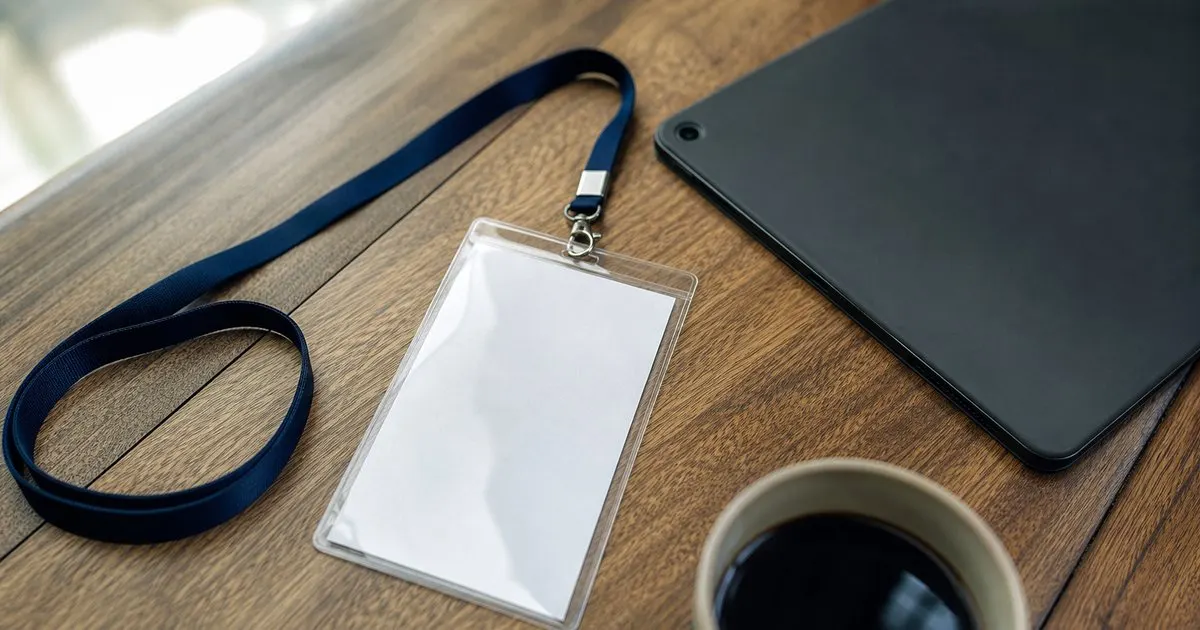
Two ways to build a badge code
The first approach encodes only a reference: a registration ID or a random token that means nothing until the scanning app looks it up in the event database. The badge itself reveals nothing if photographed, and everything the scanner shows (name, company, ticket type, session entitlements) comes from the live record, which can be corrected at any time. The second approach encodes the data itself: name, email, phone, job title, sometimes a mailing address, packed into the QR or written to the chip so any reader can extract it without a database. Related: How can event organizers speed up the check-in line during the busy first hour of a conference?
The second approach exists because trade show lead retrieval grew up in an era of offline scanners, and exhibitors wanted a contact card they could read without asking the organizer. It still shows up on many badges by default. But it means every attendee is walking around with their contact details printed in machine-readable form on their chest, readable by any phone camera, including those belonging to people who were never given permission to collect them.
Keep reading: How can event organizers speed up the check-in line during the busy first hour of a conference?, What are the benefits of printing event badges on site instead of pre printing them all in advance?, How do organizers track session capacity so a popular conference talk does not become overcrowded?. See how BadgeCheckr helps you event attendee badge check-in and scanning.
What actually needs to be on the badge for check-in
For getting through the door, the badge needs one thing: a code that uniquely identifies the registration. A short numeric ID is enough, although a random token is better because sequential numbers let someone guess a valid neighbor. The scanning app resolves the code to a record, confirms the ticket is valid and unused, and marks the arrival. The volunteer sees the name to greet the attendee and the ticket type to point them to the right lanyard, and none of that needs to live on the badge.
Session scanning, room capacity checks, and multi-day re-entry all work the same way, from the same reference code. Even when the venue wifi is unreliable, a scanning app can cache the attendee list locally and still resolve a code to a name without the badge containing anything more. The only time embedded data is genuinely necessary is when a third party must read the badge with no connection to your system at all, and that case is rarer than the default badge templates suggest. Related: How do organizers track session capacity so a popular conference talk does not become overcrowded?
Lead retrieval without handing out contact cards
Exhibitors want leads, and attendees generally want to be contacted by the booths they chose to visit. The privacy-friendly design keeps the badge as a reference code and routes lead capture through the organizer's system: the exhibitor scans, the system records that this attendee visited this booth, and contact details are released to the exhibitor according to the consent the attendee gave at registration. The attendee can opt out of sharing entirely, share only a work email, or share full details, and that choice is enforced by software rather than by hoping exhibitors behave.
This also gives the organizer something valuable: a record of every scan, which shows which booths were busiest and which attendees engaged most. With contact cards embedded in the badge, that data disappears into a hundred exhibitor laptops and never comes back. Explain the model to exhibitors in advance, since some will expect the old behavior, and give them a simple way to export their leads after the show.
Writing a badge data policy you can defend
Decide, in writing, what the badge code contains, who can scan it, and what each scanning party receives. Put a plain-language summary in the registration flow so attendees know before they buy a ticket. Privacy laws in several US states already require notice about what personal information is collected and why, and the direction of travel is toward more disclosure, not less. A short paragraph now saves an awkward conversation later. Related: How should an event handle walk-up attendees who never registered before arriving at the door?
Then audit the actual badge file before printing. Scan a test badge with a generic phone camera app and look at what comes out. If you see an email address or phone number, the template is embedding data you probably did not intend to ship. Switch to a reference code, run the test again, and keep the sample badge with the result in your event records. It is the single cheapest privacy check in the whole planning cycle. Related: What are the benefits of printing event badges on site instead of pre printing them all in advance?
- The badge only needs a unique reference code; the scanning app should look up everything else in the live record.
- Embedding names, emails, and phone numbers in the QR turns every badge into a readable contact card for anyone with a camera.
- Route exhibitor lead retrieval through the organizer's system so attendee consent is enforced by software.
- Scan a test badge with a plain phone camera before printing to see exactly what data you are shipping.

Julien Jimenez
Julien Jimenez is an independent software builder based in Paris. He designs, ships, and operates focused SaaS products for small businesses and independent professionals. Read the full author page.
A check-in line that moves
Event attendee badge check-in and scanning. BadgeCheckr is built to help you put this into practice.
Set up check-inMore from the BadgeCheckr blog


Get the BadgeCheckr playbook
Practical guides on event check-in, straight to your inbox as we publish them. No spam, unsubscribe any time.