How should an organizer decide between tablets running a check-in app and dedicated handheld badge scanners?
Both can scan a badge in about a second. They differ in what else they do, how they fail, and what they cost to keep charged and connected for a full event day.
What each device is good at
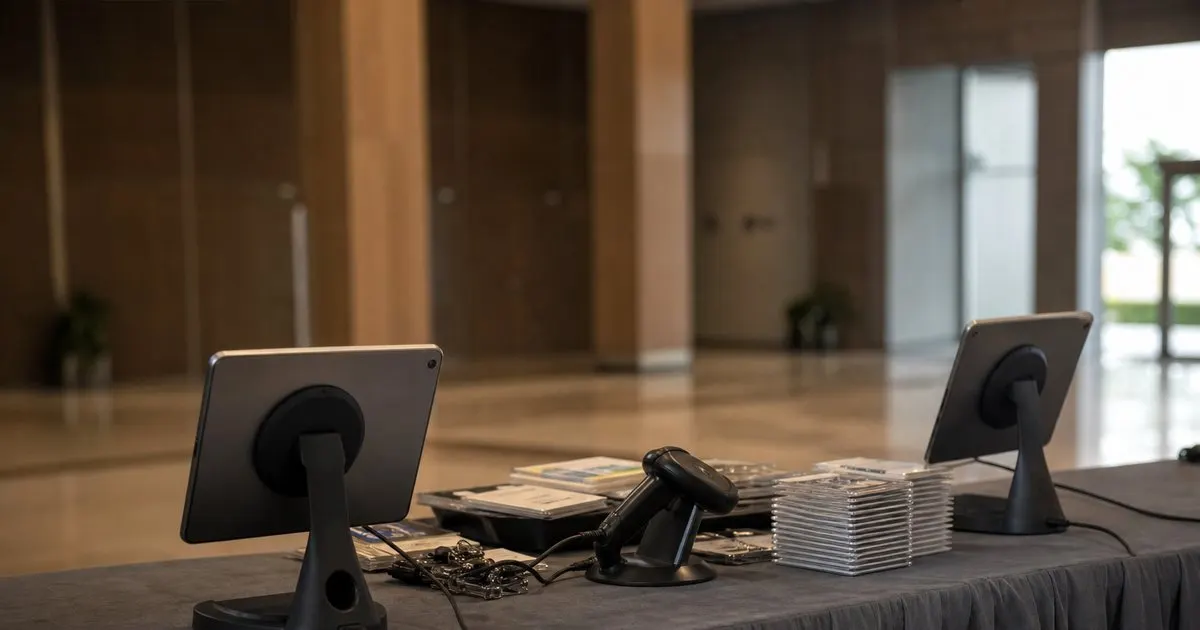
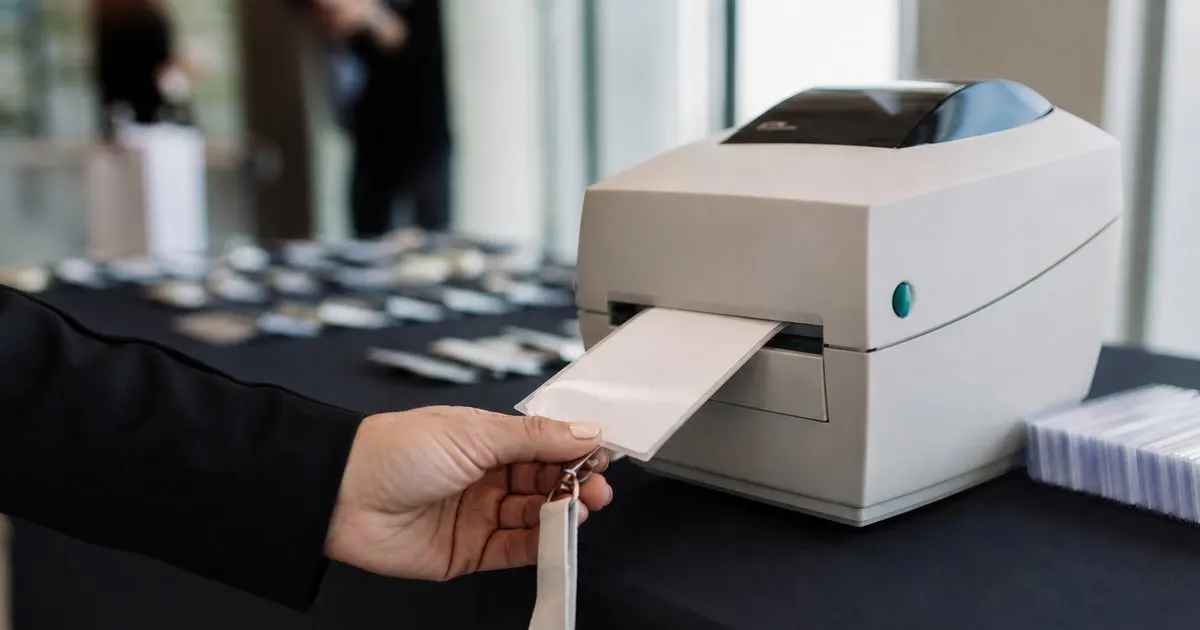
A tablet running a check-in app is a general-purpose computer with a camera. It scans codes, shows the full attendee record, lets a volunteer search by name when the code will not read, prints to a badge printer, takes a payment for a walk-up, and displays a self-service screen if you flip it around. Its camera scanning is slower than a laser, especially on glossy badges or in bright glare, and its battery lasts a working day only if screen brightness and background apps are managed. Related: What are the benefits of printing event badges on site instead of pre printing them all in advance?
A dedicated handheld scanner does one thing quickly: it reads a barcode or QR from a few feet away, with a trigger and a beep, and passes the code to whatever it is connected to. Rugged models survive being dropped and run for a long day on a single charge. But the scanner needs something to send the code to, which is usually a tablet or laptop anyway, and it cannot look up a name, print a badge, or explain to the volunteer why the code was rejected. In practice, most handheld setups end up paired with a tablet, so the question is really whether to add scanners to tablets, not whether to replace them.
Keep reading: How can event organizers speed up the check-in line during the busy first hour of a conference?, What are the benefits of printing event badges on site instead of pre printing them all in advance?, How do organizers track session capacity so a popular conference talk does not become overcrowded?. See how BadgeCheckr helps you event attendee badge check-in and scanning.
Speed, staffing, and the shape of your line
Where throughput matters most, at the main doors during the first hour, a dedicated scanner paired with a tablet is meaningfully faster per attendee than a tablet camera alone. The volunteer aims, squeezes, hears the beep, and glances at the tablet only when something is flagged. That rhythm handles a steady line with less fatigue. Camera-only tablets ask the volunteer to hold the badge in frame and wait for focus, which is fine at a moderate pace but tiring at a sprint. Related: How can event organizers speed up the check-in line during the busy first hour of a conference?
For session doors, exhibitor booths, and secondary entrances, a phone or tablet camera is usually enough, because the pace is slower and the device needs to be portable. Room monitors moving between breakouts do not want to carry two devices. The right answer for many events is a mix: scanner-plus-tablet at the two or three busiest stations, camera-only devices everywhere else, all running the same app against the same attendee list so a badge scanned anywhere is recorded once. Related: How do organizers track session capacity so a popular conference talk does not become overcrowded?
Reliability, charging, and connectivity
Tablets fail in familiar ways: a low battery at two in the afternoon, an operating system update that starts on its own, a volunteer who opens a different app and cannot find the way back. Handheld scanners fail in less familiar ways: a pairing that drops after the device sleeps, a scanner configured with the wrong suffix so the code lands in the wrong field, a model that reads barcodes but not the QR codes your badges use. Each failure is fixable in minutes if someone on the team has seen it before and baffling if not.
Plan charging as a logistics task. Every device should start the day at full charge, and every station should have a power strip and a spare battery pack. Lock tablets into single-app or kiosk mode so volunteers cannot wander. Test scanner pairings the afternoon before, with the actual badges, and label each scanner with the station it belongs to. Connectivity is the same problem for both: the app should work from a locally cached attendee list and sync when it can, so a wifi dip does not stop the line.
Cost and a simple rule of thumb
Tablets are often already owned by the organizing team or can be rented from event technology suppliers, and they do double duty as badge printing stations and information kiosks. Dedicated scanners are typically inexpensive to rent for a few days but add a line item and another thing to lose. Budget for a spare of each device type at every busy station, since one dead device at the main door is the difference between a moving line and a stalled one. Related: How can a large event run multiple check-in stations at once without checking anyone in twice?
A workable rule: use tablets everywhere, add a paired handheld scanner at any station that will process more than a few attendees per minute during peak, and put the rugged devices with the volunteers who will be standing all day. Keep the whole fleet on one app so training is identical across stations. If the event grows and the door stations stay slow, the fix is usually more stations rather than more exotic hardware.
- Tablets do lookup, printing, payments, and self-service; handheld scanners only read codes faster and need a tablet anyway.
- Pair a handheld scanner with a tablet at the busiest doors and use camera-only devices at session rooms and booths.
- Plan charging, single-app mode, and scanner pairing tests as a logistics task the afternoon before.
- Keep every device on the same app and attendee list so a badge scanned anywhere is recorded exactly once.

Julien Jimenez
Julien Jimenez is an independent software builder based in Paris. He designs, ships, and operates focused SaaS products for small businesses and independent professionals. Read the full author page.
A check-in line that moves
Event attendee badge check-in and scanning. BadgeCheckr is built to help you put this into practice.
Set up check-inMore from the BadgeCheckr blog


Get the BadgeCheckr playbook
Practical guides on event check-in, straight to your inbox as we publish them. No spam, unsubscribe any time.