What is the best way to run a separate speaker and VIP check-in without slowing down everyone else?
Speakers and VIPs need a fast, quiet arrival, but a special lane can starve the main line of staff and space. Here is how to give both groups what they need.
Why speakers and VIPs need something different
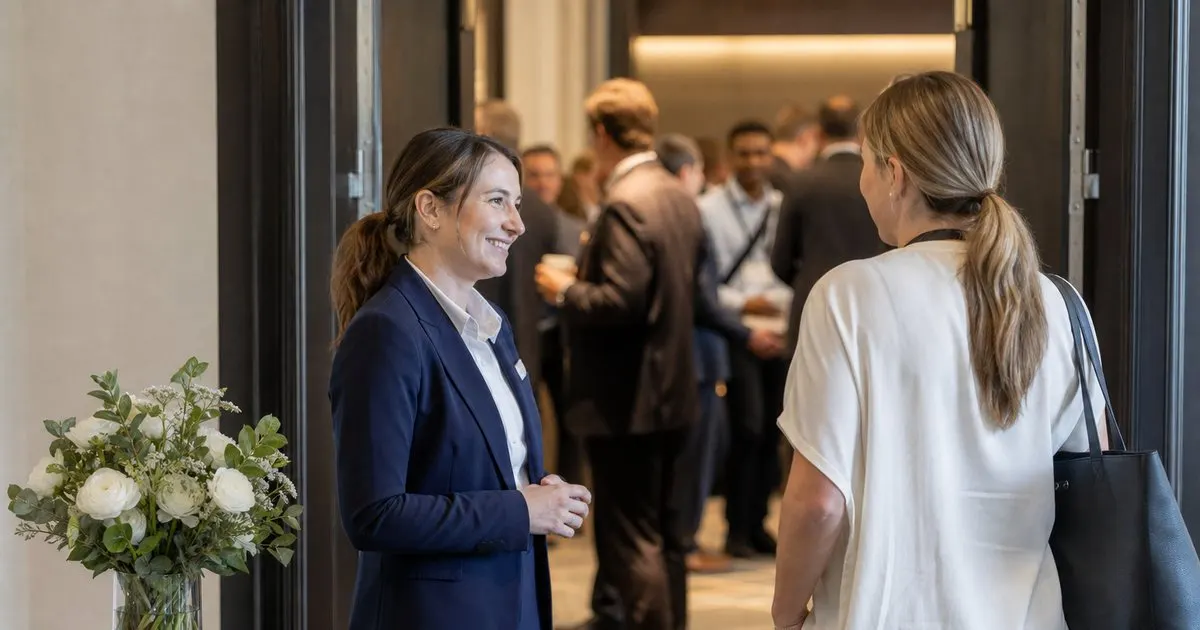
A speaker arriving ninety minutes before a session does not need a queue. They need to find the green room, meet the AV tech, and get a badge with the right access printed on it, ideally from someone who knows their name. A sponsor executive or a keynote guest needs roughly the same: a short, personal interaction that signals the event has been expecting them. Putting either group in the general line wastes their preparation time and, for sponsors, quietly undermines the relationship the sales team spent months building. Related: What are the benefits of printing event badges on site instead of pre printing them all in advance?
The mistake is to treat this as a status problem and build a velvet-rope lane in front of the main desk. That creates two visible classes of attendee, invites people to argue their way into the fast lane, and pulls a staff member and a scanner away from the general queue at the exact moment it is longest. The better framing is logistical: these people arrive at different times, need different things, and should be handled in a different place.
Keep reading: How can event organizers speed up the check-in line during the busy first hour of a conference?, What are the benefits of printing event badges on site instead of pre printing them all in advance?, How do organizers track session capacity so a popular conference talk does not become overcrowded?. See how BadgeCheckr helps you event attendee badge check-in and scanning.
Location and timing
Set the speaker and VIP desk away from the main registration area, near where those people actually need to go. For speakers that is usually the speaker lounge or the corridor behind the main hall. For sponsors it might be a hospitality suite. A small table, a tablet with the scanning app set to the VIP list, a printer if badges are printed on demand, and one well-briefed host are enough. Sign it discreetly so speakers can find it and general attendees do not queue at it by accident. Related: How should an event handle walk-up attendees who never registered before arriving at the door?
Stagger the hours. Open the speaker desk earlier than general registration, since presenters tend to arrive well before doors, and keep it open through the day at a low staffing level so late-arriving panelists are not sent to the main line. Most VIP arrivals cluster around the keynote and the evening reception, so staff those windows and let the host float to other duties in between. Timing the desk around when these people show up, rather than mirroring general hours, is what keeps it from draining the main team.
What the host should have ready
The host needs a filtered list of expected speakers and VIPs, their session or affiliation, their arrival window if known, and any special notes: dietary needs for the speaker dinner, a co-presenter still to arrive, a sponsor guest who was promised a specific introduction. When the badge is scanned or printed, the app should show these notes so the host can act on them rather than looking them up. Pre-printed badges for this group are usually fine, since the list is short and stable, with the printer available for last-minute substitutions.
Beyond the badge, the host hands over the practical things: the room assignment, the AV contact's number, the schedule for the session's tech check, and the location of the lounge. For VIPs it is the itinerary and the name of their point of contact. A printed one-page briefing per person, prepared the night before, means the host is not explaining the same things fifty times and the arriving guest has something to refer to later. Related: How do organizers track session capacity so a popular conference talk does not become overcrowded?
Keeping the main line unaffected
Because the separate desk lives elsewhere and is staffed by one person who is not counted in the general check-in team, the main line loses nothing. The scanning app should treat both desks as stations on the same event, so a speaker who wanders to the main desk by mistake is checked in normally and never counted twice. Main-desk volunteers need one sentence of guidance: where to send a speaker or VIP who arrives at the wrong place, and how to tell (the app flags the ticket type on lookup). Related: How can event organizers speed up the check-in line during the busy first hour of a conference?
Resist expanding the special list. The moment every exhibitor, committee member, and press pass becomes a VIP, the side desk becomes a second main desk with worse staffing. Keep it to the people whose preparation time matters to the program and to sponsors whose contracts promise a hosted arrival. Everyone else gets the general line, which, if the rest of the check-in plan is sound, moves fast enough that nobody minds.
- Speakers and VIPs need a different place and time to check in, not a visible fast lane in front of the main desk.
- Put the side desk near the speaker lounge or hospitality suite with one host, a tablet, and a printer for substitutions.
- Give the host a filtered list with notes and a one-page briefing per person prepared the night before.
- Run both desks as stations on the same event so nobody is counted twice, and keep the VIP list short.

Julien Jimenez
Julien Jimenez is an independent software builder based in Paris. He designs, ships, and operates focused SaaS products for small businesses and independent professionals. Read the full author page.
A check-in line that moves
Event attendee badge check-in and scanning. BadgeCheckr is built to help you put this into practice.
Set up check-inMore from the BadgeCheckr blog

Get the BadgeCheckr playbook
Practical guides on event check-in, straight to your inbox as we publish them. No spam, unsubscribe any time.