When does a self-service check-in kiosk actually beat a staffed desk for getting attendees their badges?
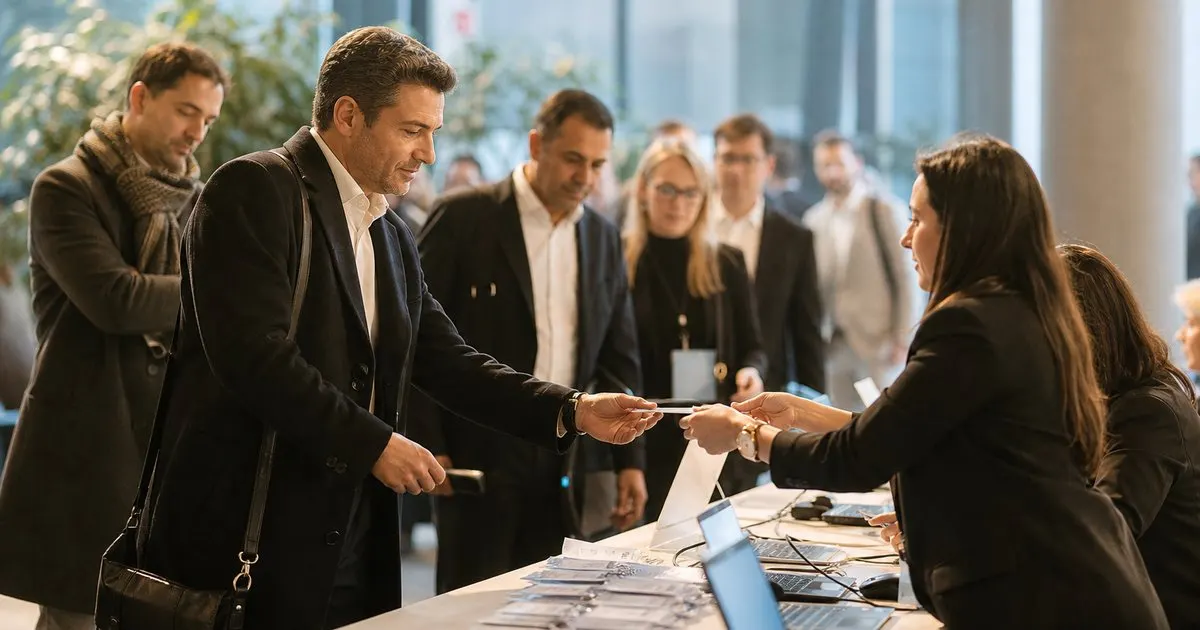
Kiosks are excellent at one narrow job and mediocre at everything else. Here is where they genuinely cut the line, where they quietly create a new one, and how to mix them with staff.

What a kiosk is genuinely good at
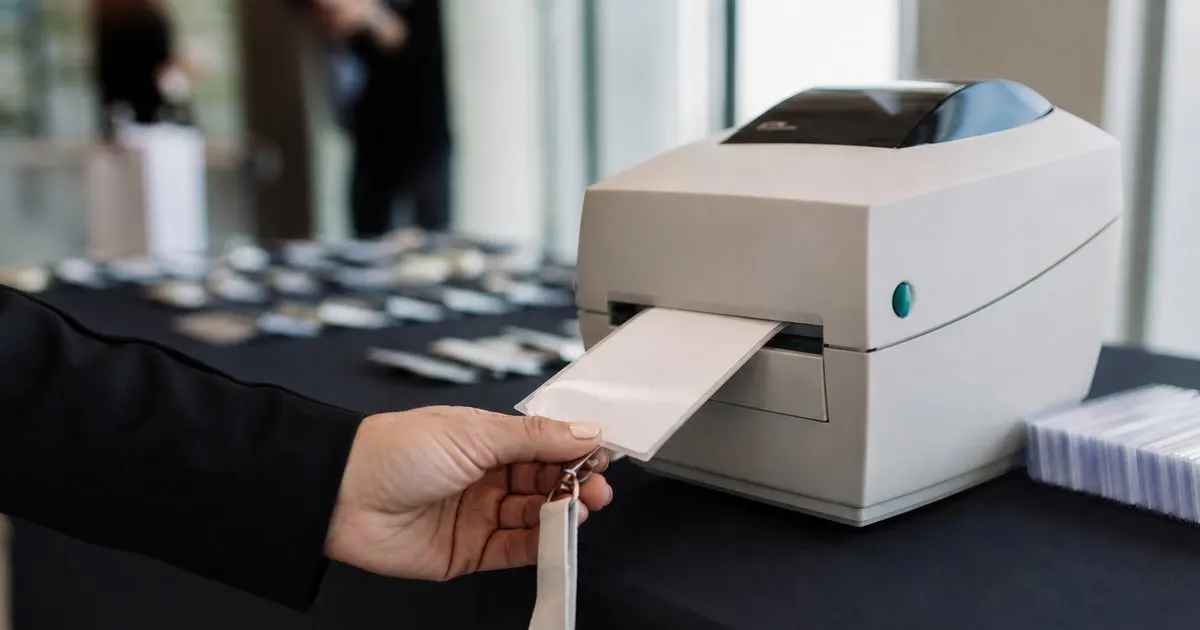
A self-service kiosk does one thing well: it turns a pre-registered attendee with a valid code into a printed badge without a human in the loop. When that is the situation, it is fast. The attendee scans the code from their phone or types a last name, confirms the record on screen, and a badge prints. There is no greeting, no small talk, no waiting for a volunteer to finish helping the person ahead. For a crowd that is mostly repeat attendees at a recurring event, that flow can move people through in well under half a minute each once they are at the machine. Related: What are the benefits of printing event badges on site instead of pre printing them all in advance?
The economics also change shape. A staffed desk scales by adding people, and people cost money every hour of every day of the event. Kiosks cost roughly the same whether they process forty attendees or four hundred, so they get more attractive as the arrival spike gets sharper. If eighty percent of your audience shows up in a ninety minute window and then the hall is quiet all afternoon, the kiosk absorbs that spike without you paying for eight volunteers who have nothing to do after ten in the morning. Related: How can a large event run multiple check-in stations at once without checking anyone in twice?
Keep reading: How can event organizers speed up the check-in line during the busy first hour of a conference?, What are the benefits of printing event badges on site instead of pre printing them all in advance?, How do organizers track session capacity so a popular conference talk does not become overcrowded?. See how BadgeCheckr helps you event attendee badge check-in and scanning.
Where kiosks quietly create a second line
Kiosks fail on exceptions, and exceptions are a bigger share of arrivals than most plans assume. The attendee who never registered. The one who registered under a maiden name. The one whose ticket was bought by an assistant and who has no idea what email it went to. The sponsor picking up six badges at once. Anyone who needs to upgrade, pay, or ask a question. A machine can handle none of those, so every one of them either abandons the kiosk and looks for a human, or stands there tapping while the people behind them get annoyed. That is how a kiosk bank turns into a slower experience than a staffed desk.
There are practical failure modes too. Badge printers jam, run out of stock, or misfeed, and a jammed kiosk with no attendant is just an obstacle. First time attendees hesitate at an unfamiliar screen in a way regulars do not. Accessibility matters as well: a fixed height kiosk with a touch interface excludes some attendees, so you need a staffed alternative available and visible, not tucked behind a pillar. And an attendee who cannot find themselves in the search will try three spellings before giving up, which takes longer than a volunteer would have taken to find them.
The hybrid layout that usually works better than either extreme
In practice the strongest arrival flow is not kiosks or desk, it is kiosks plus a small staffed exception counter plus at least one roaming person. Put the kiosk bank where the crowd naturally arrives, and put the staffed counter clearly to one side with a distinct look so it reads as different rather than as another queue. The roamer is the piece most teams skip and the piece that does the most work: someone standing in front of the kiosks who greets people, answers "do I use this?", clears a jam, and pulls exceptions out of the kiosk line before they get to a machine that cannot help them.
Route by ticket type where you can. Standard pre-registered attendees go to kiosks. Anyone who needs a payment, an upgrade, a group pickup, a replacement, or a walk-up registration goes straight to staff. Speakers and press usually belong at a staffed lane too, partly for the greeting and partly because their records change more often. If your event is heavily walk-up driven, or you sell on site, kiosks will carry a smaller share of arrivals and you should staff accordingly rather than hoping the machines take the load. Related: How should an event handle walk-up attendees who never registered before arriving at the door?
What to check before you commit to a bank of kiosks
Start with arithmetic, not with a quote. Estimate arrivals in your busiest window, assume a realistic per attendee time at the machine including hesitation (typically longer than the vendor demo), and see how many units that implies. Then sanity check the physical space: each kiosk needs floor area, a queue that does not cross a walkway, and power. Power is the constraint people underestimate, because badge printers draw more than a tablet and venues charge for drops. Confirm whether the printers hold enough badge stock for your peak without a refill, and who is doing the refill if they do not.
Then plan for the network and for the day after. Ask whether the kiosk software can keep working from a local copy of the attendee list if venue wifi drops, because a kiosk that cannot reach a server is worse than useless during the exact hour you need it. Check that scans land in the same attendance record as your staffed lanes, so you are not reconciling two datasets afterward. Finally, decide the staffing ratio in advance. One attendant per three or four kiosks is a common starting point, and if your answer is zero attendants, you have not planned a kiosk deployment, you have planned an unattended printer. Related: How can event organizers speed up the check-in line during the busy first hour of a conference?
- Kiosks win when most attendees are pre-registered, arrive in a sharp spike, and need nothing but a printed badge.
- Every exception, walk-up, payment, group pickup, or record correction still needs a visible staffed counter beside the kiosks.
- Budget one attendant for roughly every three or four kiosks to greet, clear jams, and pull exceptions out of the line early.
- Verify power, badge stock capacity, offline behavior, and that kiosk scans write to the same attendance data as staffed lanes.

Julien Jimenez
Julien Jimenez is an independent software builder based in Paris. He designs, ships, and operates focused SaaS products for small businesses and independent professionals. Read the full author page.
A check-in line that moves
Event attendee badge check-in and scanning. BadgeCheckr is built to help you put this into practice.
Set up check-inMore from the BadgeCheckr blog

Get the BadgeCheckr playbook
Practical guides on event check-in, straight to your inbox as we publish them. No spam, unsubscribe any time.