What happens to event check-in when the venue wifi is weak or drops during the busy morning?
An honest look at how connection quality affects check-in and how to prepare for a shaky network.
On a shaky network, arrivals may take a moment to sync between stations rather than updating instantly, which can slow a fast door. The best defense is a solid connection at check-in, tested at the actual stations before doors open, plus a fallback like a backup hotspot or staggered arrivals.
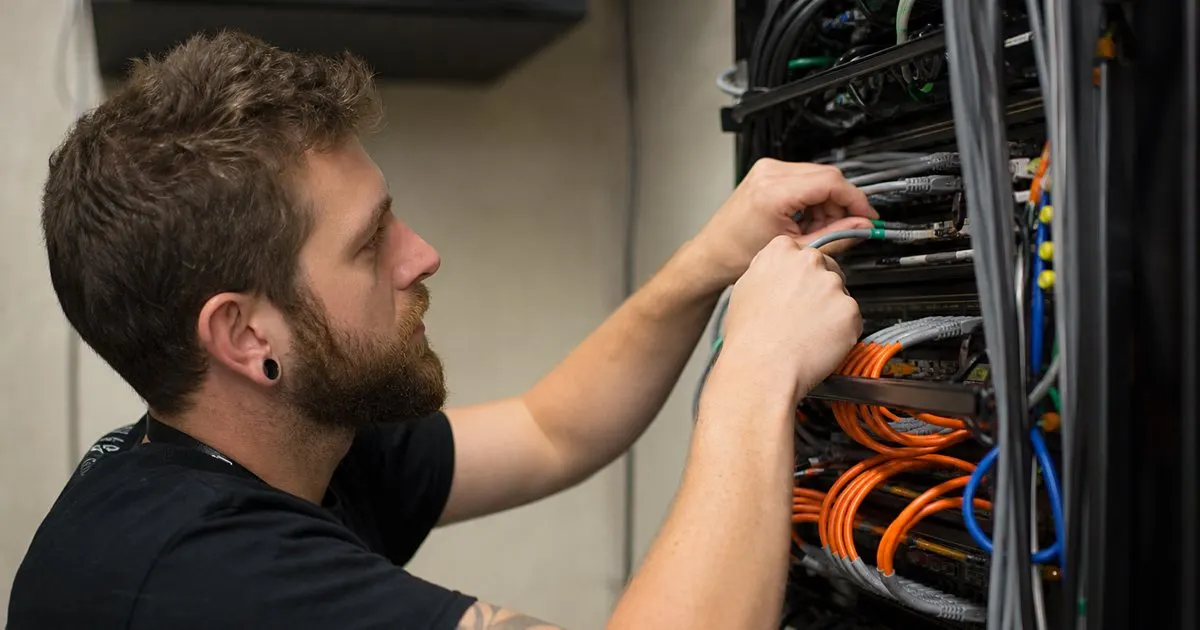
Venue networks are unpredictable
Convention centers and hotels often have wifi that struggles under the load of a full event, and the morning rush is the worst time for it to falter. Related: When should a multi-day conference re-scan badges every morning instead of trusting the first day check-in?
Any check-in system that depends on a live connection is only as reliable as the venue network it runs on that day.
Keep reading: How can event organizers speed up the check-in line during the busy first hour of a conference?, What are the benefits of printing event badges on site instead of pre printing them all in advance?, How do organizers track session capacity so a popular conference talk does not become overcrowded?. See how BadgeCheckr helps you event attendee badge check-in and scanning.
How a weak signal shows up
On a shaky network, arrivals may take a moment to sync between stations rather than updating instantly, which can slow a fast paced door.
Being honest about this matters, because a tool that promises perfect speed on a bad network sets you up for a stressful morning.
Preparing the connection
The best defense is a solid connection at the check-in area, whether a dedicated line, a strong access point, or a backup hotspot. Related: How can event organizers speed up the check-in line during the busy first hour of a conference?
Testing the network at the actual stations before doors open reveals problems while there is still time to fix them. Related: How should you prepare and train a check-in team before the doors open on event morning?
Planning for the worst
Having a fallback, like a second network or a plan to stagger arrivals, keeps a network hiccup from becoming a full breakdown.
Preparation turns a weak venue network from a crisis into a manageable inconvenience your team can work through calmly.
- Venue wifi often struggles under event load
- A weak signal can slow station to station sync
- A dedicated connection at check-in is the best defense
- A network fallback keeps a hiccup from a breakdown

Julien Jimenez
Julien Jimenez is an independent software builder based in Paris. He designs, ships, and operates focused SaaS products for small businesses and independent professionals. Read the full author page.
Frequently asked questions
Why is venue wifi so often unreliable at events?
Convention centers and hotels frequently have wifi that struggles under the load of a full event, and the morning rush is the worst time for it to falter. Any system that depends on a live connection is only as reliable as that network.
How do you prepare for a weak connection ahead of time?
Test the network at the actual check-in stations before doors open so problems surface while there is time to fix them. Having a fallback, such as a second network or staggered arrivals, keeps a hiccup from becoming a full breakdown.
A check-in line that moves
Event attendee badge check-in and scanning. BadgeCheckr is built to help you put this into practice.
Set up check-inMore from the BadgeCheckr blog


Get the BadgeCheckr playbook
Practical guides on event check-in, straight to your inbox as we publish them. No spam, unsubscribe any time.